 P-246CUSTOM CABINET SHOP OPERATIONS
Cabinet Hardware, Finish & Install Readiness Core
Show which cabinet jobs are install-ready and which are blocked by final measure, approvals, production, critical hardware/material receipt, or site readiness.
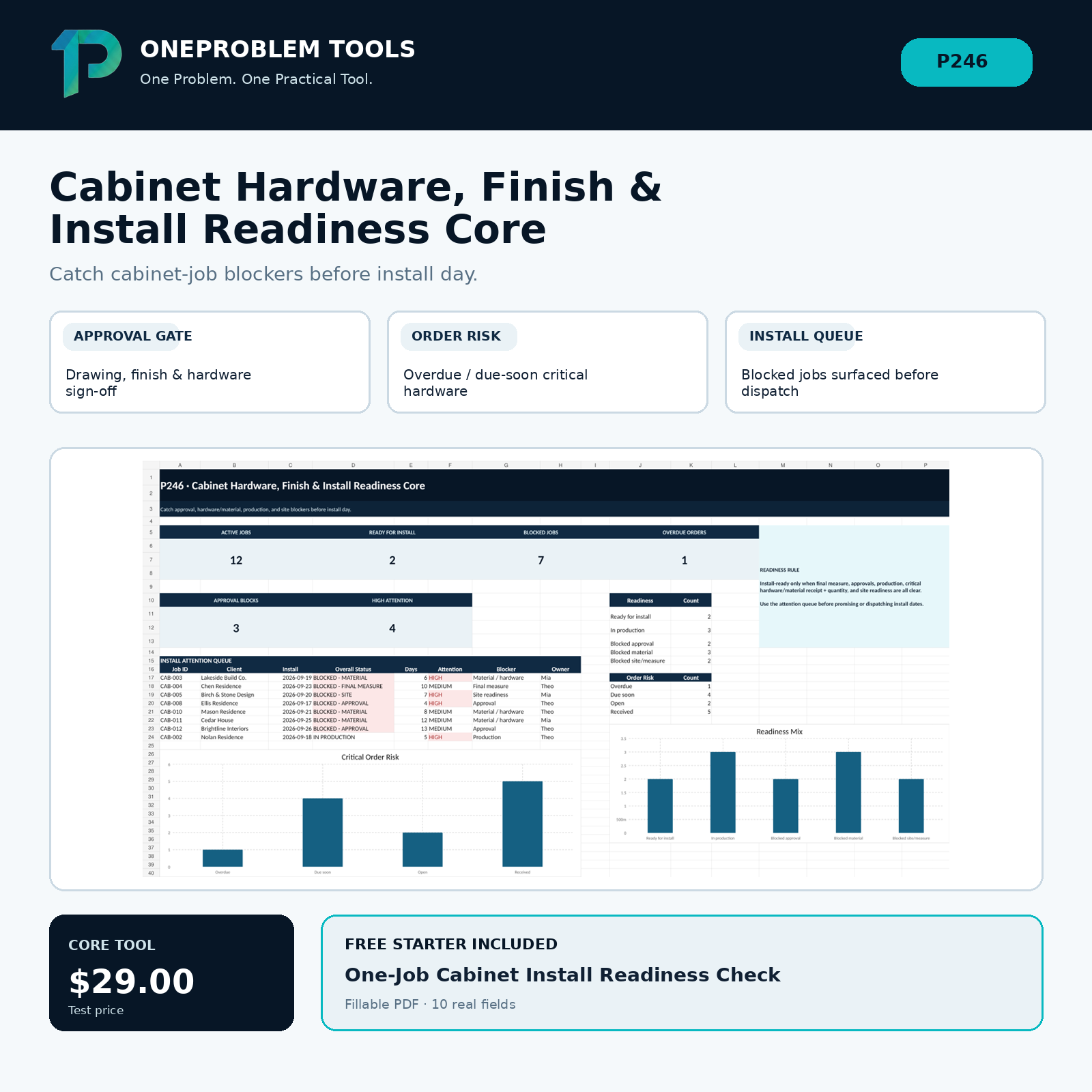
Real progress.
A focused workflow for Solo and small custom cabinet / millwork shops managing multiple active jobs from approval through install.
Show which cabinet jobs are install-ready and which are blocked by final measure, approvals, production, critical hardware/material receipt, or site readiness.
Move from scattered status to a clearer next action
- Bring approvals, critical orders, production status, and site readiness into one install gate.
- See the first blocker instead of treating every active job as equally ready.
- Use attention KPIs and order risk views to focus follow-up before install dispatch.
A simple three-step workflow
Add each active cabinet job and its final-measure, approval, production, and site-readiness state.
Record the hardware/material orders that can block installation if missing, short, damaged, or overdue.
Use the Readiness Board and Dashboard to clear the first blocker before scheduling or dispatching install.
One-Job Cabinet Install Readiness Check
Start with the smaller version first. Use it to understand the workflow before moving to the full tool.
Download free starterUse it as a practical self-guided tool
Operational readiness only; no CAD/design, cut-list/BOM generation, estimating/accounting, building-code review, engineering, installer safety or full cabinet-shop ERP.